Add same-day social video to every wedding.
Highlify turns your existing wedding footage into a ready-to-share social video, without an extra shooter, content creator, or editor.
Every moment, ready to share



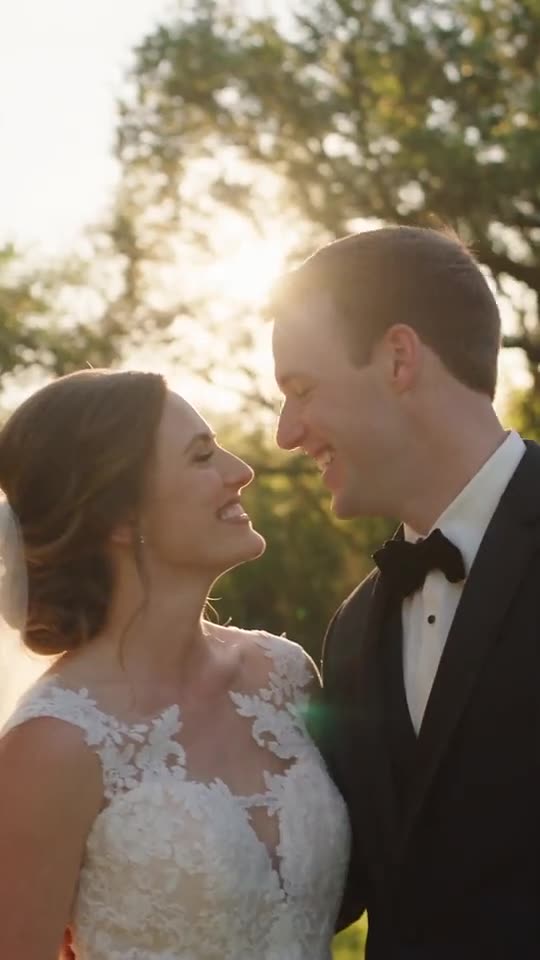
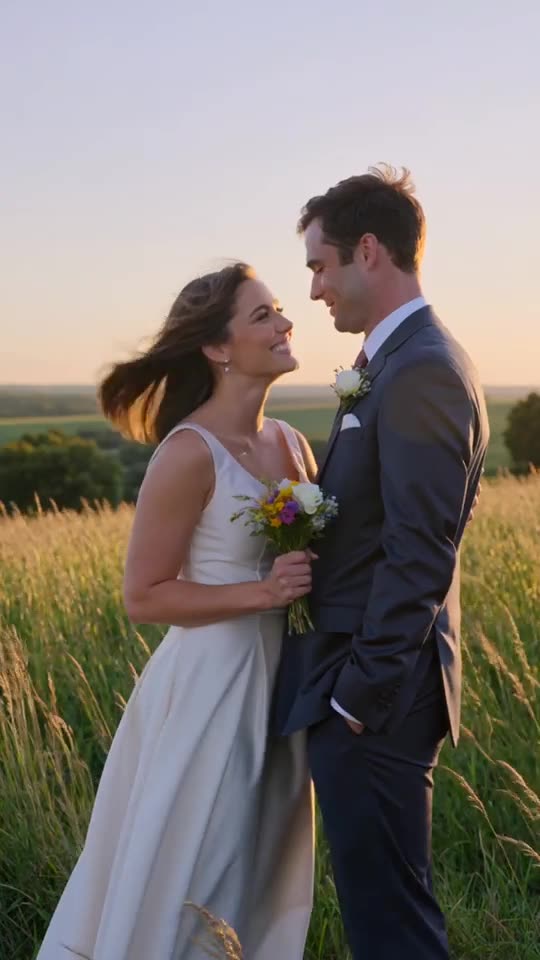

No editing experience needed
No subscription — pay as you go
Ready within 24 hours of the wedding
Your first video is free
How it works
Highlify doesn't just trim clips — it understands the anatomy of a wedding day, from the first fifty raw clips to a finished 9:16 cut.
01
Upload your raw footage
Upload your raw video and stills — the platform categorizes everything, filters out unusable clips, identifies faces, and prepares your editing environment automatically.
02
Pick your song
Select a track from our music library, or upload your own — your choice sets the pace for the whole edit.
03
Choose the wedding moments
Pick the story you want told — a full wedding teaser, the couple's story, walking down the aisle, and more.
04
Your clip is ready!
Make any final tweaks, or send it straight to the couple as is.
Couples can also get their own access to create as many reels as they want.
Why it's a no-brainer
See exactly how much more you'd make per month by swapping a second shooter and a rush editor for Highlify.
Highlify math assumes $49/video plus 1 hour of your time at $120/hr.
+$924
AI drafts it. You finish it.
Every video still carries your creative signature — your pacing, your music, your effects and filters, your brand.
Raw footage
Every clip you shot
Highlify first cut
AI edit, in minutes
Your final touch
Pacing, music, brand
Your cut.
Highlify isn't replacing your taste — your pacing, your music, your filters, your brand all stay yours. It's giving your taste leverage.
Unlock up to 10 free videos
Every reel you publish and tag becomes an ad for Highlify — so we're happy to pay you back for it. Up to 10 free video credits every month, automatically applied to your account.
01
Make a reel
Create a same-day (or any-day) reel with Highlify.
02
Publish it
Post it to Instagram, TikTok, or Reels and tag @highlify or link back to us in the caption.
03
Earn a free video
Each published, tagged reel unlocks one free video credit — up to 10 a month.
Credits apply to future videos and don't expire. Offer can be updated or ended at any time.
Built for weddings, not video editing in general
General-purpose editors and all-in-one AI apps are built to handle any kind of video. Highlify is built to understand one thing extremely well: a wedding day.
| Highlify | CapCut / Canva | Premiere / Resolve | |
|---|---|---|---|
| Built specifically for weddings | |||
| Recognizes ceremony, speeches, first dance automatically | |||
| AI first cut from your raw footage in minutes | Partial | ||
| Wedding-specific storylines out of the box | |||
| Full manual control when you want it | |||
| Learning curve to get a usable edit | Minutes | Low | Steep |
CapCut, Canva, Premiere Pro, and DaVinci Resolve are capable general-purpose tools — they’re just not built around what a wedding day actually looks like.
Frequently asked questions
Can't find what you're looking for? Reach out anytime.
Your first video is free, no credit card required. Upload or connect footage, get your AI first cut, fine-tune it, and export — the same flow you'd use for any paid video.